
A simple rule involving the colour red could delay your passport application. Officials warn that not meeting all photo requirements may put your application at risk and could disrupt your travel plans if your passport is not issued in time.
Written on GOV.UK, it states that you will need a "digital photo to apply for a passport online. You must get a new photo when you get a new passport, even if your appearance has not changed."
Photo quality also matters, and issues like red-eye in photos can cause problems. Photos must also be taken within the last month, and applications may be delayed if the images don’t meet the rules.
If you're using a photo taken on your own device, ensure it clearly shows your head, shoulders and upper body. Avoid cropping the image yourself, as it will be cropped automatically during the application process.
Don’t wear glasses in your photo unless medically necessary. If you do wear them, they must be clear (not tinted or sunglasses), and your eyes must be fully visible with no glare, shadows, or frame obstruction.
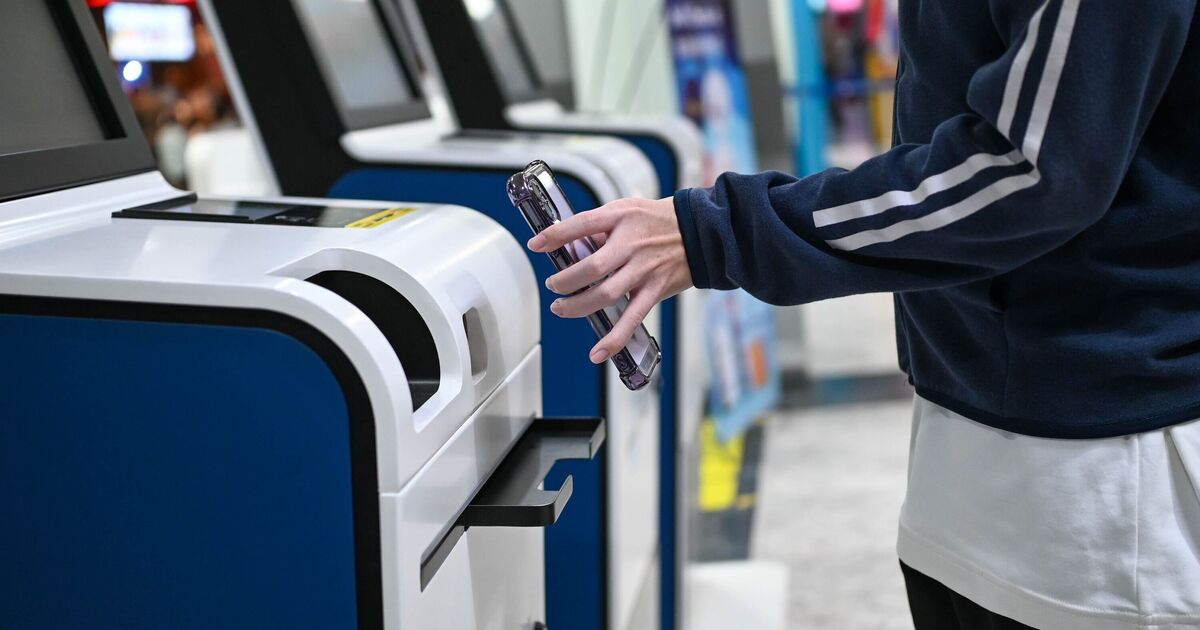
You can obtain a digital passport photo by having it taken at a photo booth or a participating shop before you apply. Alternatively, you can take and upload a photo using your own device as part of the passport application process.
GOV.UK cautions: "Photos from a booth or shop are more likely to be approved than a photo taken using your own device."
If you use a shop or photo booth, choose the option that gives you a photo code. You’ll then enter this code in your passport application so your photo can be automatically linked.
Printed photos must meet extra rules, including exact size requirements and how to submit them with your application (see here for details). General photo rules, like avoiding red-eye, still apply.